Save what you reuse
Replies, greetings, addresses, URLs and signatures, pinned and given a title.
Copied text, ready to use.
Keeps what you copy, so the phrase, address or link you reuse every day is one tap away instead of somewhere in your history.
Terms and policies
Replies, greetings, addresses, URLs, signatures — the same fragments come back constantly. Clipboard keeps them in one place, pinned and searchable, so you stop retyping and stop hunting.
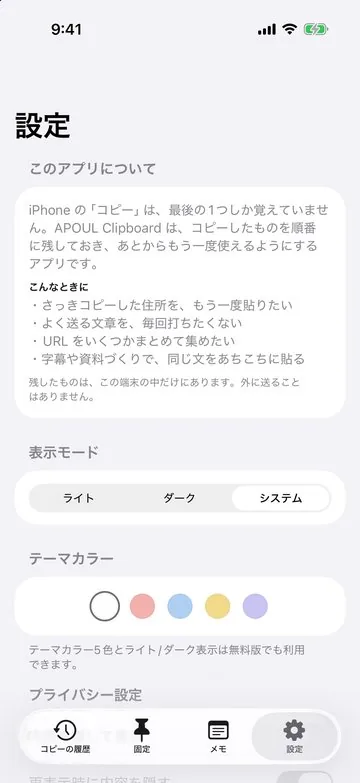
Screens prepared for the App Store, in Japanese, with made-up sample data. Small details may differ from the current version.
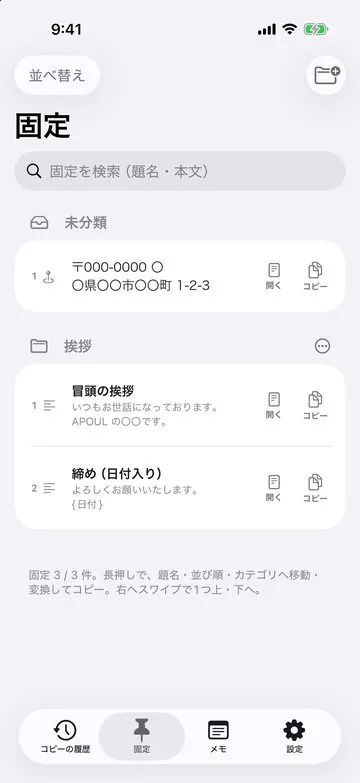
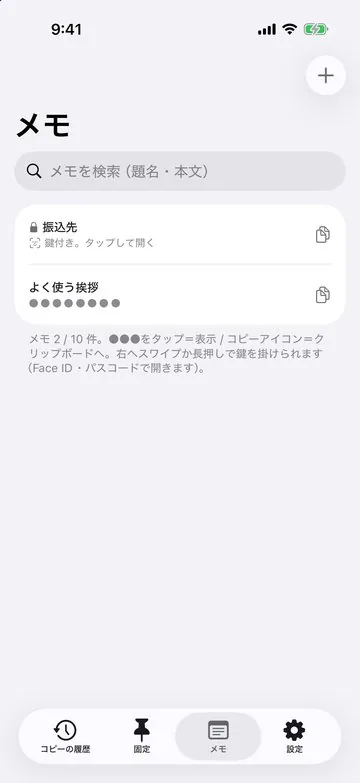
Replies, greetings, addresses, URLs and signatures, pinned and given a title.
Search your history and pinned items, and put them in your own order.
Use your history from a home-screen widget and the keyboard; image-only copies such as screenshots are kept too.
Paste the base text, adjust the details.
Address, phone, account details, ready to paste.
Stored once, found later.
You should be able to guess the next step without reading a manual.
It lands in your history.
Pin it and give it a title.
Search, tap, paste.
The snippets you save are kept on your device. Syncing between your devices is not available yet; it is planned for Pro in a future version, at no extra charge. One purchase covers both iPhone and iPad.
The free version may show a banner ad through Google AdMob. It is not shown while you have Pro. Serving those ads can involve Google and its partners using an advertising identifier. The text you save is not sent. On iOS the app asks for tracking permission, and the app works the same without it. What Google does with the data is set out in the Google privacy policy.
The problems this app is built around, and what to settle before you bring it in.