Split locally
Everything happens on your own device.
Take out the pages you need, on your own machine.
Splits a PDF by page or by range and writes each piece out as a separate file, without sending anything anywhere.
Terms and policies
The terms of use and privacy policy will be linked here at release.
All terms and policiesSharing a whole document when only part of it is relevant is awkward, and uploading it to a website is often not an option. PDF Split does the job locally.
This is a development build. The final screen may differ at release.
Everything happens on your own device.
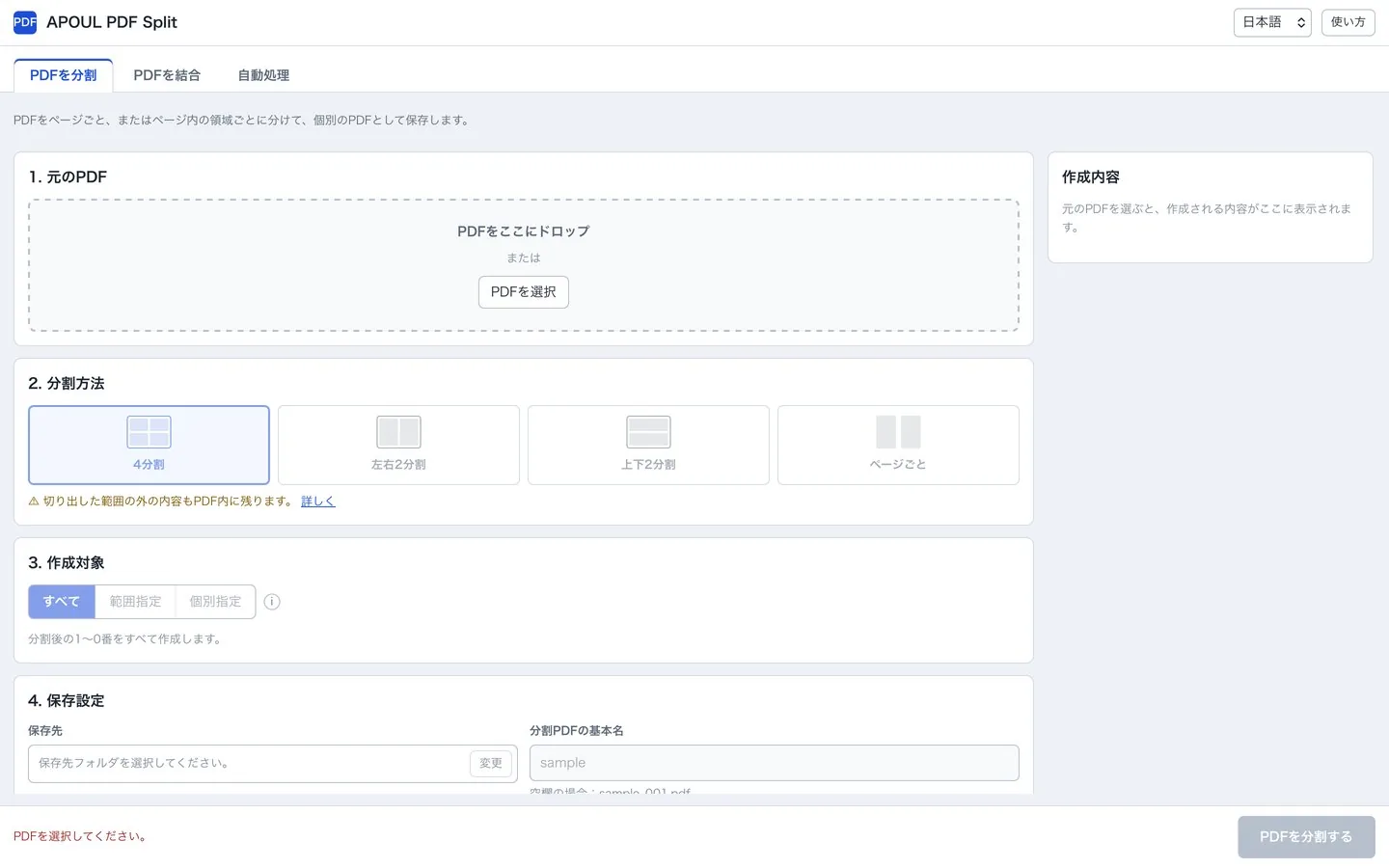
Specify several pages or ranges at once, such as “1,4,7-9”.
Split a single page into four, left/right or top/bottom.
Combine several PDFs into one, in the order you choose.
See every file name and the total count before anything is written.
The original PDF is not modified; the pieces are saved as new files.
Extract, then share just those.
No upload is involved.
Save each page as its own PDF.
You should be able to guess the next step without reading a manual.
Pick the file to split.
Single pages, a range, or several ranges.
The original stays as it is.
PDF Split processes files on your own device. The original PDF is not modified; the pieces are written as new files.
The problems this app is built around, and what to settle before you bring it in.