Just cross the edge
Move the pointer off the edge of the screen and you are controlling the other computer.
One keyboard and mouse for your Mac and your Windows PC.
Control a Mac and a Windows PC on the same home network with the keyboard and mouse in front of you. Move the pointer off the edge of the screen to cross over, and pass text and files between them. No account, no cloud. It is being prepared for release.
Terms and policies
The terms of use and privacy policy will be linked here at release.
All terms and policiesA Mac and a Windows PC on one desk, each with its own keyboard and mouse, and a reach every time you switch. APOUL Multi-Remote lets the keyboard and mouse you already use move between both.
Screens show the Mac app with sample data from a development build, in Japanese. Windows screens will follow. They may change before release.
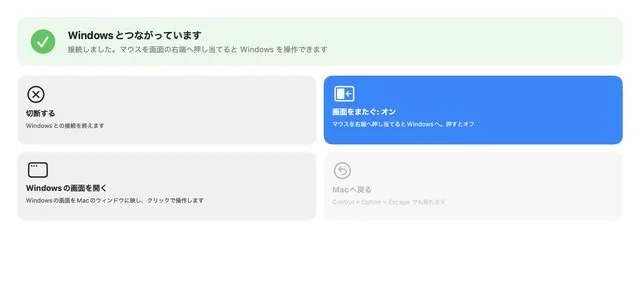
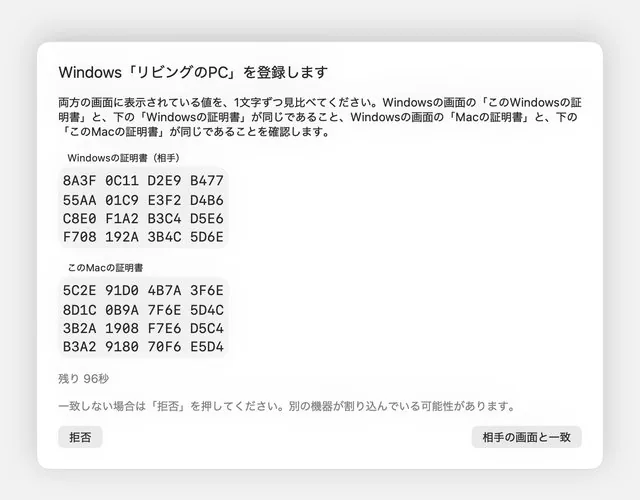
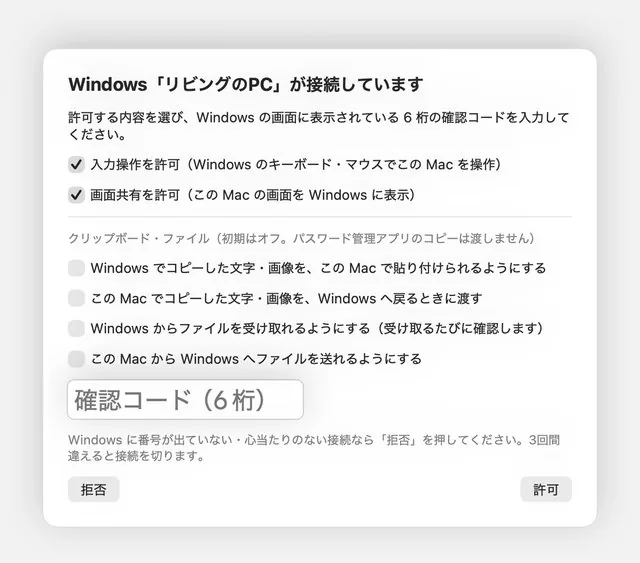
Move the pointer off the edge of the screen and you are controlling the other computer.
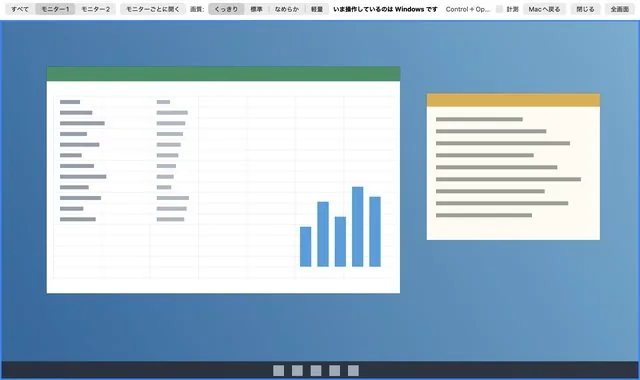
Show the Windows screen in a window on your Mac and work in it directly.
Mac to Windows, or Windows to Mac.
Send copied text and files to the other computer, with a confirmation first.
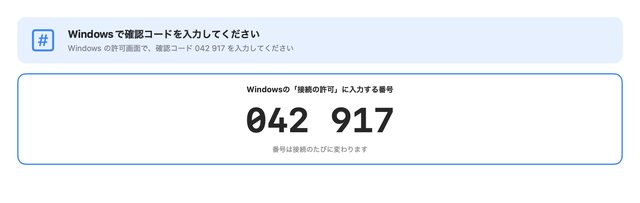
Find the other computer on your network, connect in one click, and reconnect automatically after a brief drop.
Traffic stays on your home network, one computer to another, with no outside relay.
Coming soon. Supported systems (planned): Mac (macOS 15 or later, Apple silicon) and Windows 11 (64-bit). The release date and price will be announced on this page and in the news.