English audio and subtitles for a Japanese video
The centre of the app. Text can also be read out of subtitles burned into the video.
Make it in Japanese. Send it to the world.
Translates screens, speech and video, and can put English audio and subtitles onto a Japanese video.

Terms and policies
The terms of use and privacy policy will be linked here at release.
All terms and policiesA finished video, a live screen, a conversation — each needs a different kind of translation. Translator keeps them in one place instead of three services.
This is a development build, captured in a development view of the desktop app.
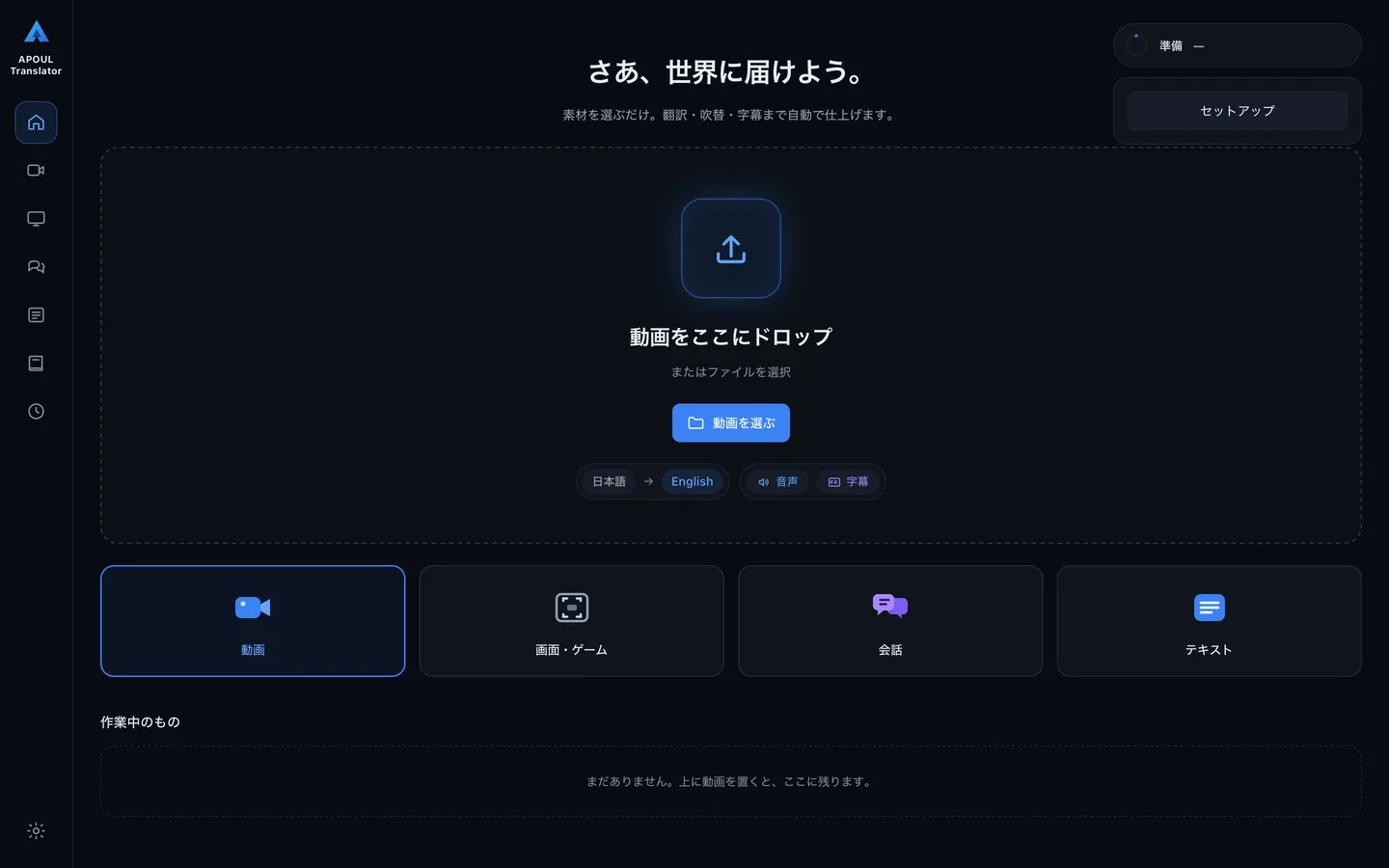
The centre of the app. Text can also be read out of subtitles burned into the video.
English runs longer than Japanese. Rather than speeding up the voice, the translation is shortened to fit; you can compare each line against the original length.
Only the original voice is lowered and the English voice laid over it, so game sound and music remain.
Translates what is on screen, either direction between Japanese and English, and can keep translated subtitles on top of a game, transparent and click-through.
Translates your microphone and the audio playing on your PC; direction selectable.
Extracts subtitles from a video, translates them and writes SRT, VTT or ASS — Japanese, English or both.
Register terms to keep translations consistent; you are warned when one comes out wrong.
Give a Japanese video an English track.
Read the screen as you go.
Translate a microphone or what is playing on the PC as you listen.
Standard subtitle formats.
You should be able to guess the next step without reading a manual.
Choose a video recorded in Japanese.
Pull out what is said and translate it to English; the glossary keeps terms consistent.
Output the English voice track and the subtitle file.
Where translation is processed, whether anything is sent externally and whether anything is stored will be described here at release.
The problems this app is built around, and what to settle before you bring it in.