See the day clearly
Dates and plans laid out so a glance is enough.
Never lose track of a plan.
A calendar that keeps your dates readable at a glance and resists turning into a project manager.
Most calendars grow until you need to concentrate to read them. Calendar keeps the day and the week legible, and leaves the heavy planning to something else.
Screens prepared for the App Store, in Japanese, with made-up sample data. Small details may differ from the current version.
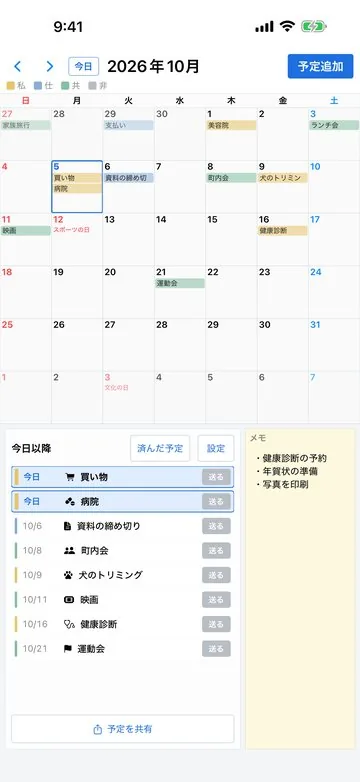
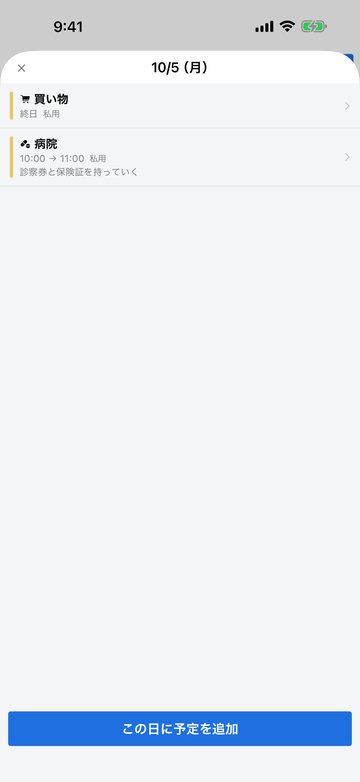
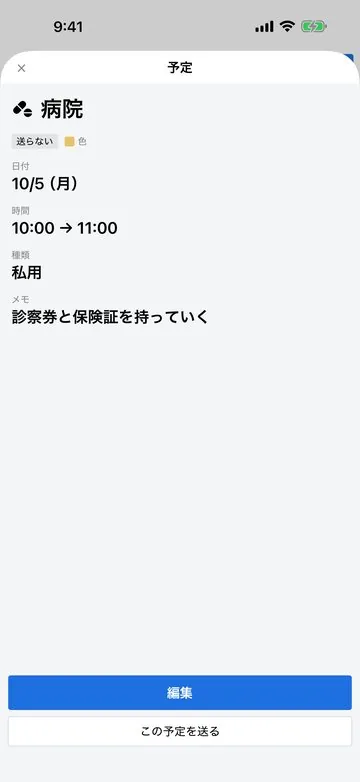
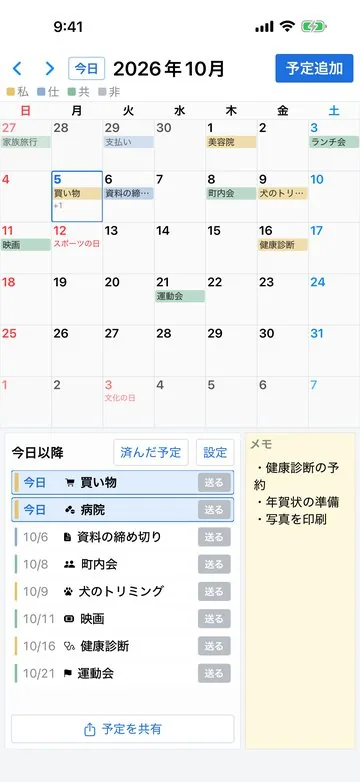
Dates and plans laid out so a glance is enough.
Timed plans remind you 30 minutes before; all-day plans at 8:00 that morning.
Holiday names appear on the calendar, and plans can be sent through the share menu or LINE.
Open, look, close.
Personal plans without a work tool.
A single appointment that must not slip.
You should be able to guess the next step without reading a manual.
When you want to check a plan.
Dates and plans on one screen.
Find what you need and get on with your day.
Sync with other calendars will be stated in the final specification. We are not describing it before it is settled.
The free version shows ads through Google AdMob. They are not shown while you are on the Premium plan. To serve and measure the ads, an advertising identifier and limited information about the device and the app are sent to Google. The plans and notes you enter are not. On iOS the app asks for tracking permission, and without it the advertising identifier is not used. What Google does with the data is set out in the Google privacy policy.
The problems this app is built around, and what to settle before you bring it in.