Never opens on its own
Scanned links are not opened automatically. You check where they go first, every time.
Check where a QR link goes before you open it.
A QR reader that does not open links straight away. It shows where the link really goes, explains anything worth a second look, and lets you decide whether to open it. It is being prepared for release.
Terms and policies
The terms of use and privacy policy will be linked here at release.
All terms and policiesParking payments, menus, delivery notices. QR codes are convenient, and that is exactly why a sticker placed over the real one, or a site made to look like the real one, is easy to miss. APOUL QR Safety puts a pause between scanning and opening.
Screens show sample data and may change before release.
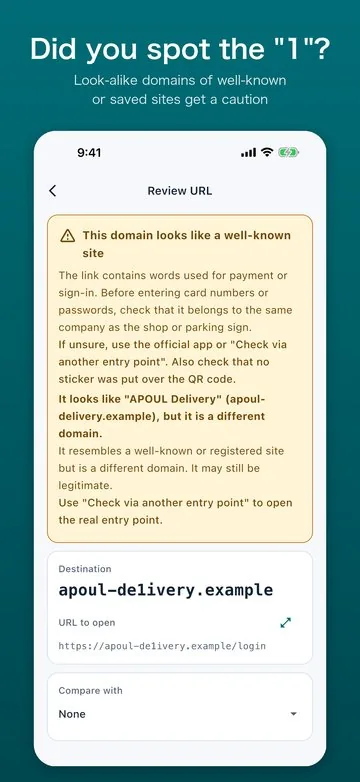
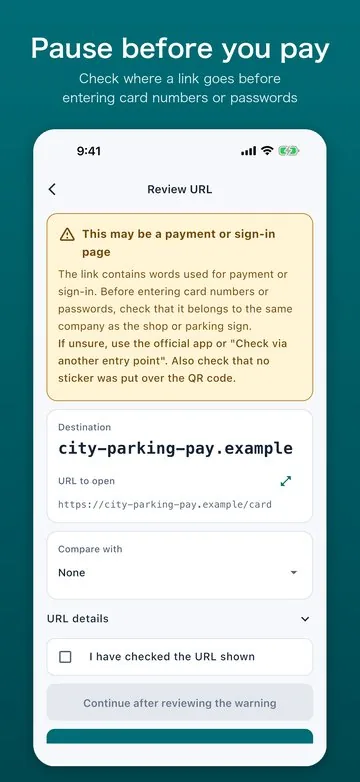
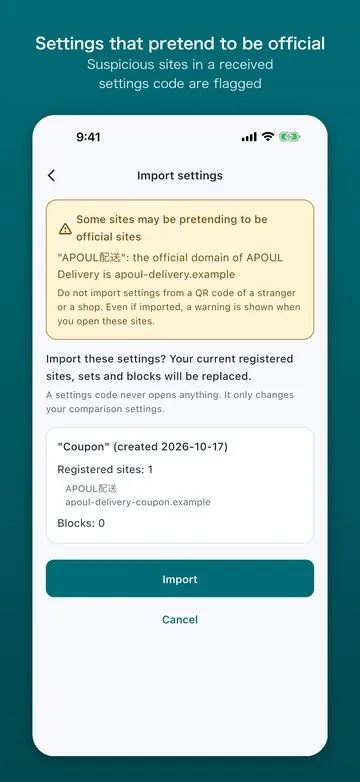
Scanned links are not opened automatically. You check where they go first, every time.
Look-alike domains, links to payment pages and more are flagged with the reason why.
If unsure, reopen the site from an official entry point you saved earlier.
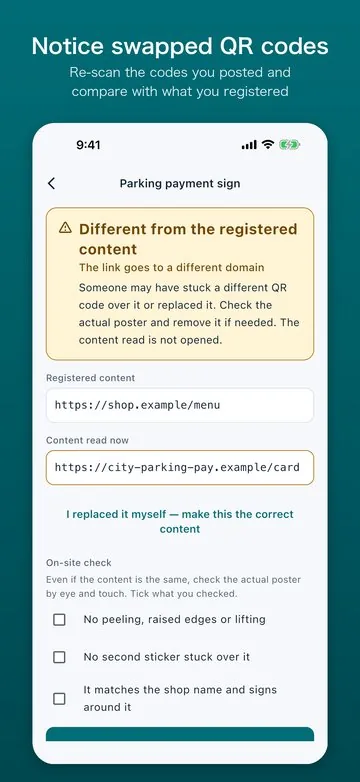
Re-scan the codes you posted and get told if one no longer matches what you registered.
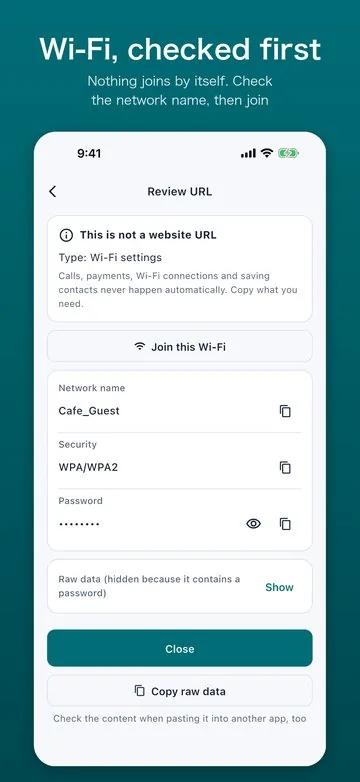
Create and print QR codes, and read Wi-Fi and contact codes in a clear layout.
Lock the app with Face ID, and check links sent from the share menu.
Coming soon. Supported systems (planned): iPhone and iPad (iOS / iPadOS 15 or later). The release date and price will be announced on this page and in the news.