Punches and records
Clock in and out, and see the resulting work record.
From clocking in to closing the month.
Attendance for a workplace: punches, work records, leave, requests, approvals and month-end close, in one line of work.
Terms and policies
The terms of use and privacy policy will be linked here at release.
All terms and policiesA punch becomes a record, a record becomes a request, a request becomes an approval, and all of it has to survive month-end. KINTAI is designed around that chain rather than around a single timesheet screen.
This is a development build. The employee and figures shown are sample data, not real staff records.
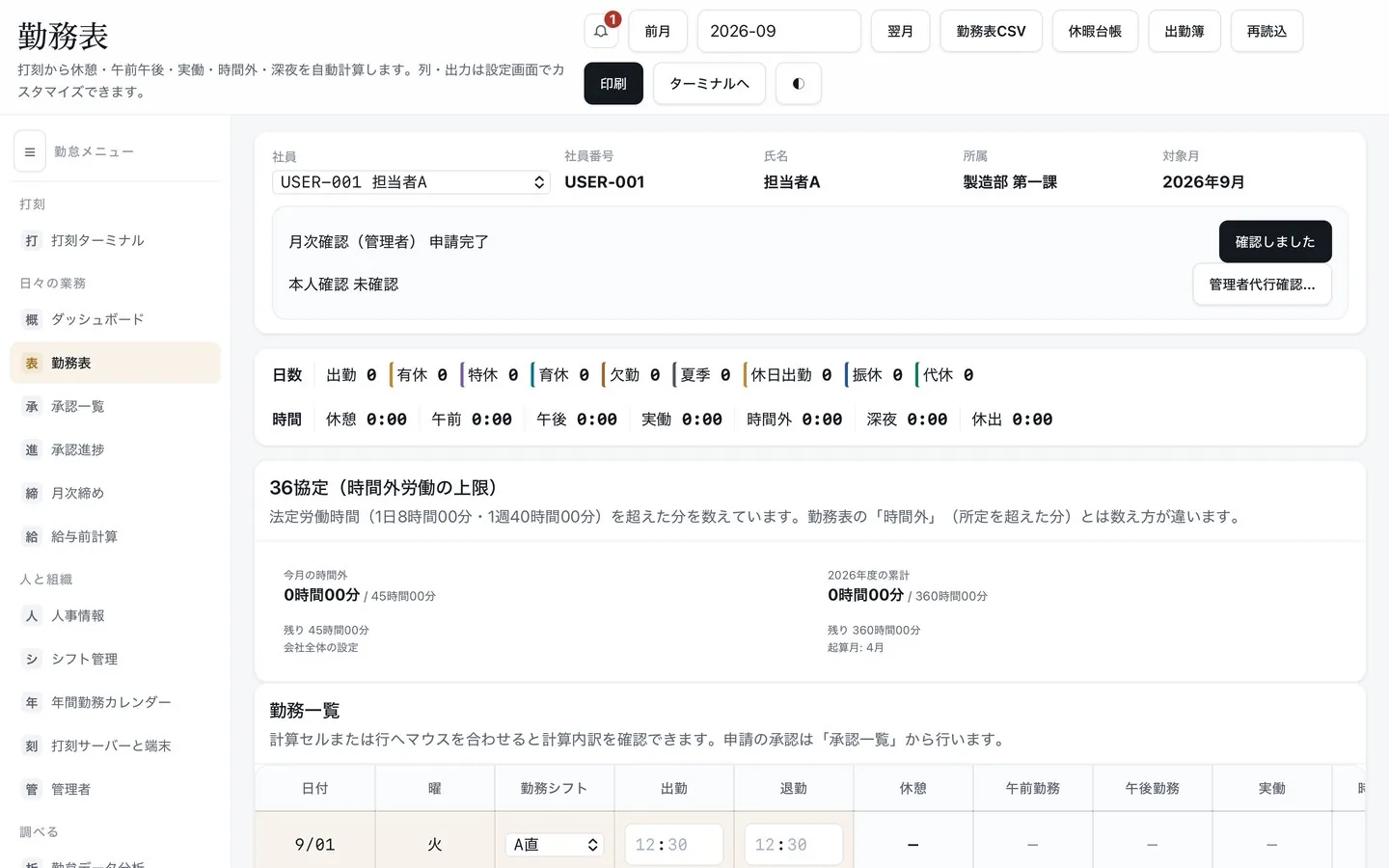
Clock in and out, and see the resulting work record.
Track entitlements and use.
Overtime, days off and leave go through an approval route.
Close the month, run pre-payroll calculations and export them as CSV.
Manage rotating shifts and clock in against them, from a tablet or smartphone.
Changes to attendance data are logged.
Daily and monthly records that staff and admin can both check.
Producing figures the next step can use is in scope.
Punches that turn into usable records.
See where a request is sitting.
Close with the numbers already reconciled.
Take the closed month into payroll, in a form that can be reproduced later.
You should be able to guess the next step without reading a manual.
Record the day; punches, leave and requests build up.
Corrections and leave go through the approval chain.
Check, fix, and hand the figures on.
Daily punches, work, leave requests and leave history live in KINTAI; payroll refers to the closed, fixed data. Coverage of labour regulations, overtime-agreement management, IC cards and specific work schemes will be stated at release.
The problems this app is built around, and what to settle before you bring it in.